Customers are more willing to share feedback when the process is quick, simple, and convenient. If they have to search for a survey link, remember a website address, or complete a long form, many will simply move on.
This is where QR code feedback surveys can make customer feedback collection easier.
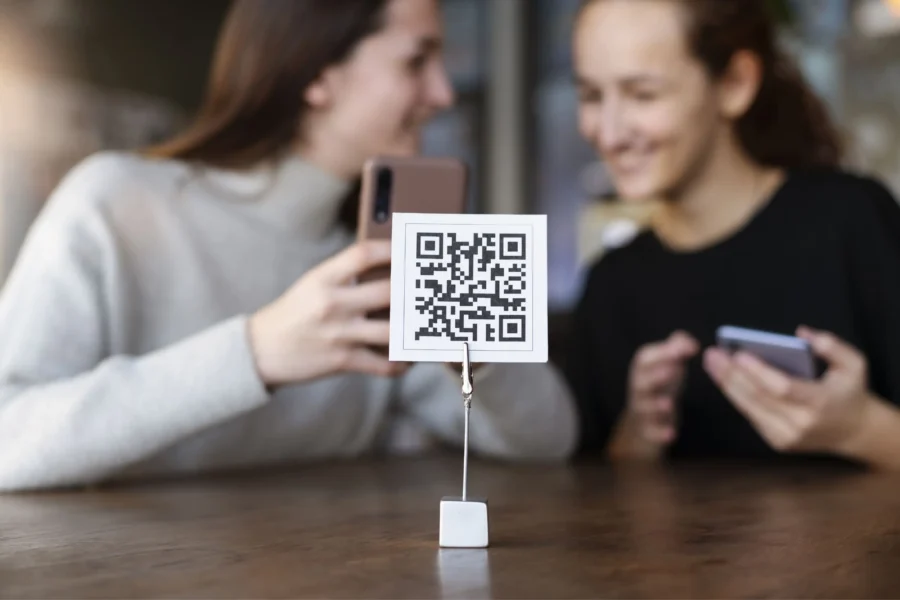
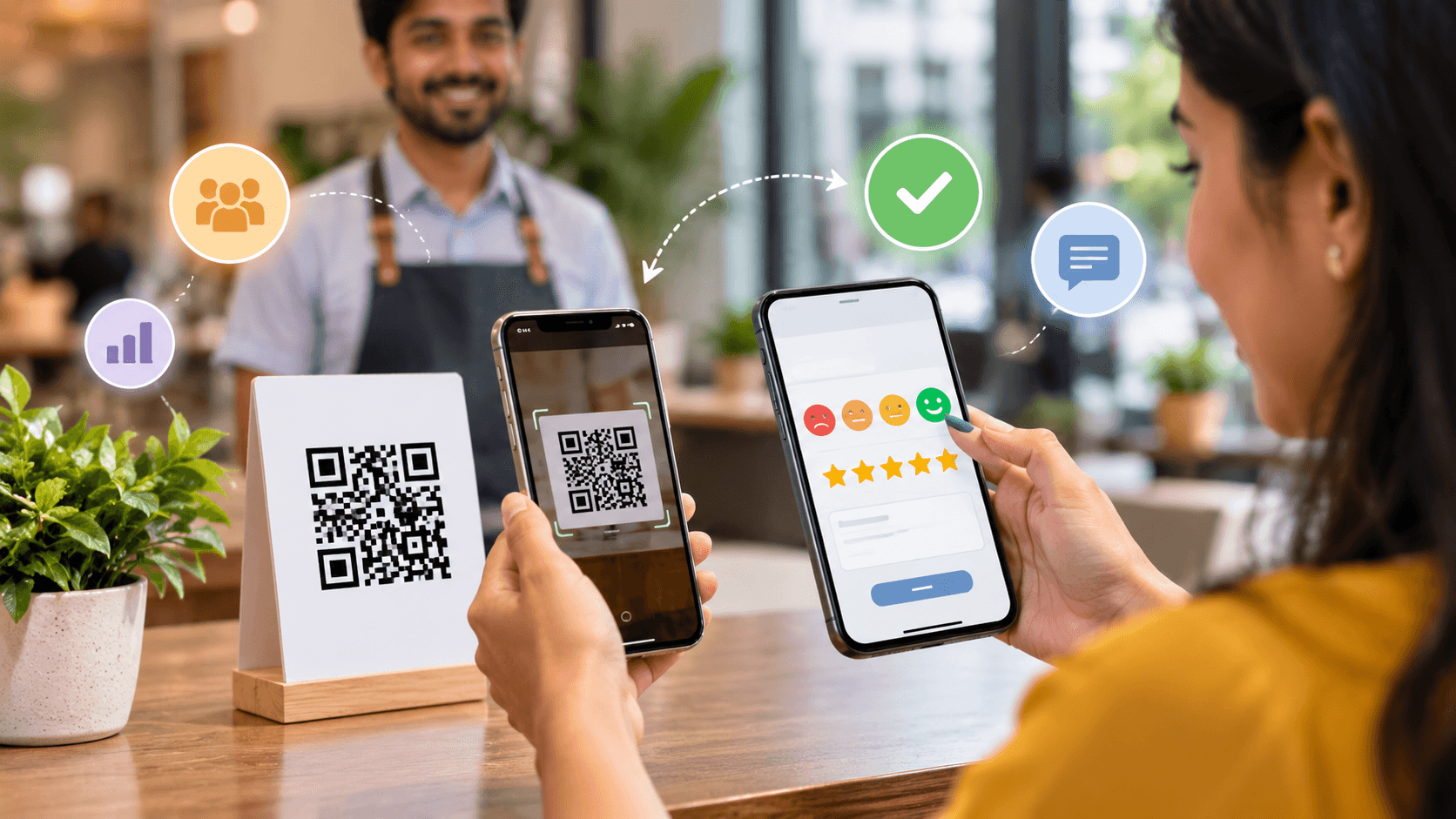
A customer can scan a QR code with their smartphone and immediately access a feedback survey. There is no need to type a URL or download an application. When QR codes are placed at the right customer touchpoints, businesses can capture feedback while the experience is still fresh.
However, simply adding a QR code does not guarantee more responses.
The placement, survey design, question quality, timing, mobile experience, and call to action all influence whether customers actually complete the survey.
In this guide, we explore the best practices for using QR code feedback surveys to increase response rates, collect better customer insights, and create a smoother feedback experience.
What Are QR Code Feedback Surveys?
QR code feedback surveys are digital surveys that customers can access by scanning a QR code with a smartphone.
The QR code can link directly to a feedback form or survey.

For example, a restaurant could place a QR code on a table or receipt. After finishing their meal, customers can scan the code and answer a few questions about their experience.
Similarly, a hotel could place QR codes in guest rooms, at reception, or on checkout materials.
Retail stores, healthcare organizations, banks, educational institutions, service centers, and other businesses can use the same approach.
The key advantage is convenience.
The customer does not have to search for the survey.
Scan → Open → Answer → Submit.
The fewer steps involved, the easier it becomes for customers to provide feedback.
Keep the QR Code Feedback Survey Short
One of the most important best practices is to keep the survey focused.
Customers are unlikely to spend several minutes completing a long survey immediately after an interaction.
A short survey can ask a few important questions, such as:
- How satisfied were you with your experience?
- How would you rate our service?
- Was it easy to complete your request?
- What could we improve?
The exact questions should depend on the business objective.
Before adding a question, ask:
“What decision will this answer help us make?”
If a question does not provide useful information, consider removing it.
A focused survey reduces customer effort and can make completion more convenient.
For additional ideas on collecting feedback through different channels, see piHappiness Customer Feedback Methods: 15 Ways to Collect Better Insights.
Make the Survey Mobile-Friendly
QR codes and smartphones go together.
That means the survey experience must work well on mobile devices.
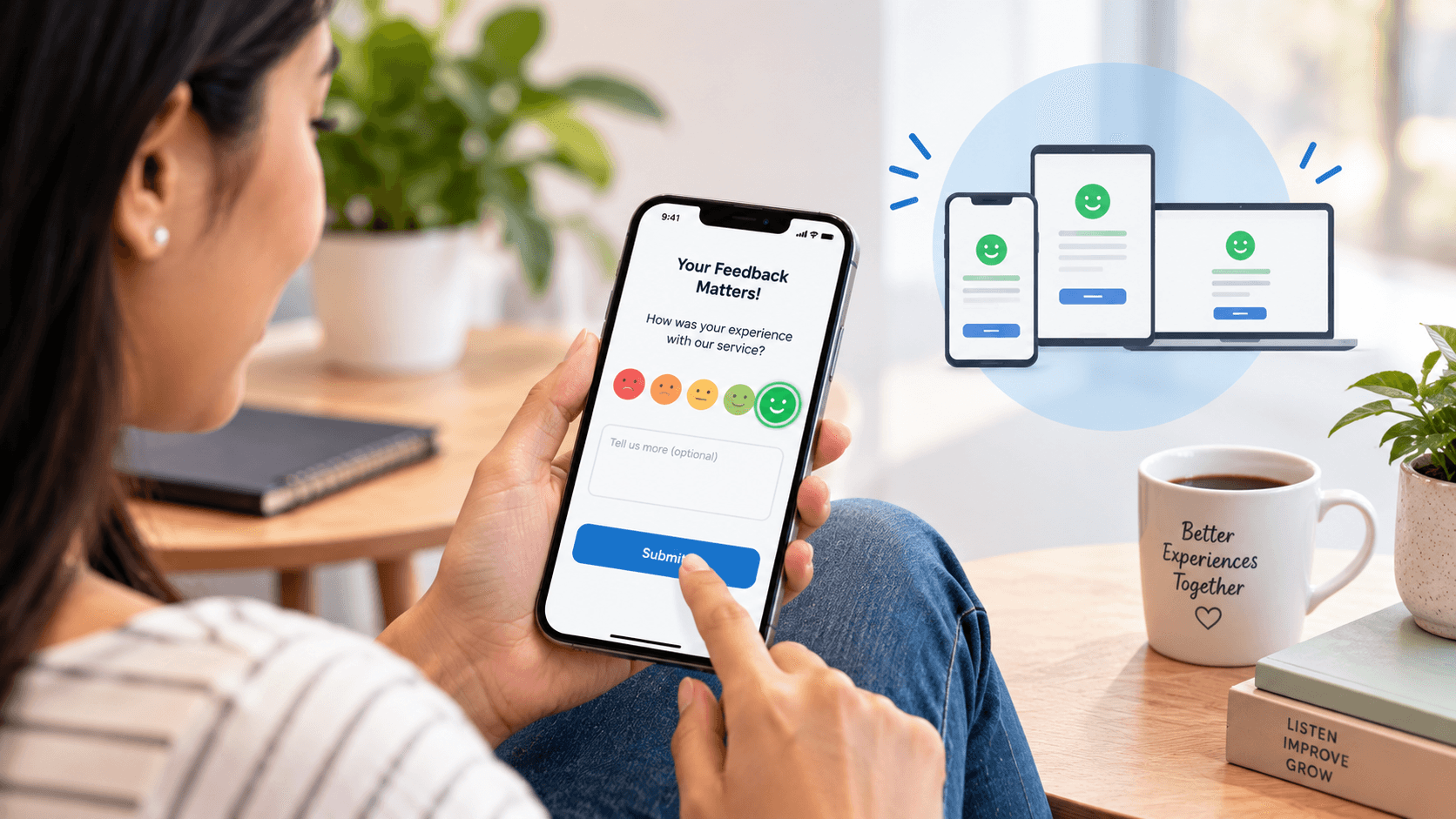
Customers should be able to:
- Read questions easily
- Tap answer options comfortably
- Move between questions smoothly
- Submit feedback without unnecessary steps
Avoid small text, complicated layouts, large blocks of content, and forms that require excessive scrolling.
A customer may be willing to scan a QR code but abandon the survey if the mobile experience is frustrating.
The goal should be to make the entire journey simple:
Scan → Answer → Submit.
Put QR Codes Where Customers Naturally See Them
QR code placement can have a major impact on response rates.
A QR code hidden in a corner is easy to ignore.
Instead, place it where customers naturally have an opportunity to scan it.
Potential locations include:
- Receipts
- Tables
- Counters
- Product packaging
- Waiting areas
- Service desks
- Hotel rooms
- Checkout areas
- Event materials
- Printed invoices
- Digital displays
The best location depends on the customer journey.
For example, a restaurant may place the QR code on the table or receipt.
A hotel may place it near checkout information.
A service center may display it at the point where the service is completed.
Think about when the customer is most likely to have both the motivation and the time to provide feedback.
Add a Clear Call to Action
A QR code by itself does not explain what customers should do.
Give customers a reason to scan.
Instead of displaying only a QR code, add a short message such as:
“How was your experience? Tell us in 30 seconds.”
Or:
“Scan to share your feedback.”
Or:
“Help us improve your next experience.”
The message should be short and easy to understand.
Customers should immediately know:
- What the QR code does.
- Why they should scan it.
- Approximately how long the survey will take.
A clear call to action can reduce uncertainty and encourage participation.
Ask Questions That Match the Customer’s Experience
Not every customer experiences the same journey.
A customer who purchased a product should not necessarily receive the same questions as someone who contacted customer support.
For example, after a restaurant visit, relevant questions might focus on:
- Food quality
- Service
- Cleanliness
- Waiting time
- Overall satisfaction
After a support interaction, relevant questions could focus on:
- Resolution
- Support quality
- Response time
- Ease of communication
- Overall satisfaction
Relevant questions are easier for customers to answer because they are directly connected to what they just experienced.
Use QR Codes at the Right Feedback Touchpoint
Timing matters.
A QR code should ideally appear close to the interaction you want customers to evaluate.
For example, asking about a customer’s restaurant experience immediately after the meal may provide more relevant feedback than asking several weeks later.
The same applies to service businesses.
If a customer has just completed a service, that moment may be an appropriate opportunity to ask for feedback.
This approach can also reduce recall problems because the experience is still fresh.
Businesses should therefore consider:
What happened?
When did it happen?
When is the customer most likely to provide useful feedback?
Use Simple and Neutral Questions
QR code surveys should follow the same principles as other customer surveys.
Questions should be clear and neutral.
Avoid wording that encourages a particular response.
For example:
Less neutral:
“How much did you enjoy our excellent service?”
Better:
“How satisfied were you with the service you received?”
The second question gives customers more freedom to provide their actual opinion.
Neutral questions can help businesses collect more reliable customer feedback.
This is especially important when the results are being used to make operational decisions.
Use CSAT to Measure Immediate Satisfaction
QR code surveys can be particularly useful for measuring Customer Satisfaction Score (CSAT).
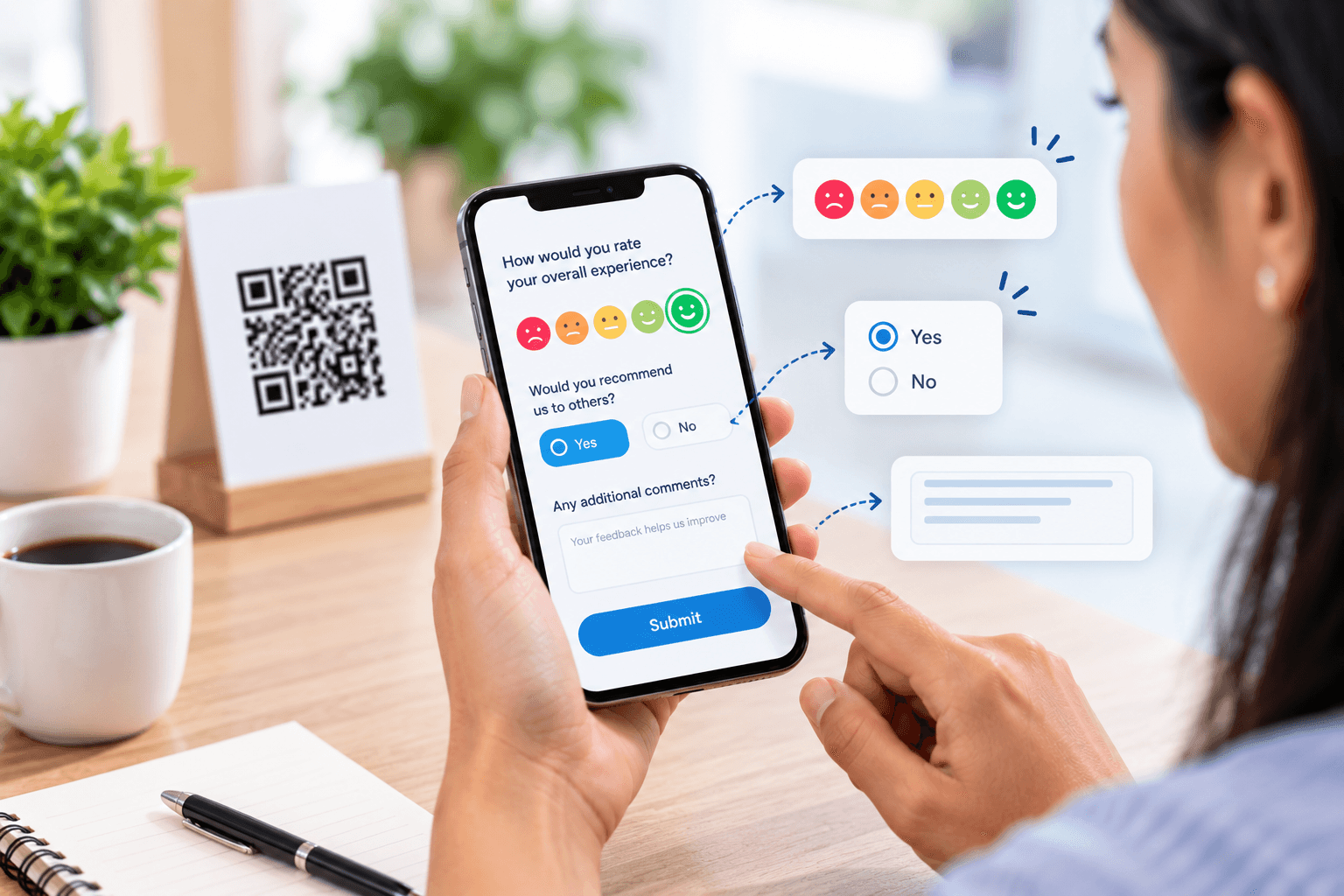
A business can place a QR code at the end of an interaction and ask:
“How satisfied were you with your experience?”
Customers can then provide a satisfaction rating.
This allows businesses to measure satisfaction at specific touchpoints rather than relying only on an overall customer satisfaction survey.
For example:
Customer interaction → QR code → CSAT → Feedback → Analysis
Businesses can then compare satisfaction across different services, locations, or customer journey stages.
To understand the metric in more detail, see What Is CSAT and How Is It Calculated?.
Give Customers an Opportunity to Explain Their Rating
A numerical rating tells you what happened.
A comment can help explain why.
For example:
CSAT: 2/5
Comment: “The service was good, but I had to wait too long.”
The rating identifies dissatisfaction.
The comment provides context.
This is why QR code feedback surveys can combine a simple rating question with an optional open-text question.
For example:
How satisfied were you with your experience?
★★★★★
What could we improve?
This keeps the initial interaction simple while giving customers an opportunity to provide additional information.
Do Not Ask for Too Much Personal Information
Every additional field can create friction.
If the purpose of the survey is to understand customer satisfaction, you may not need to ask for a customer’s full address, phone number, date of birth, or other unnecessary information.
Only collect information that supports the survey objective or an appropriate follow-up process.
For example, if a customer wants someone to contact them about a complaint, you may provide an optional field for contact information.
The principle is simple:
Ask only for what you need.
This can make customers more comfortable and keep the survey experience efficient.
Make Feedback Accessible Across Different Customer Touchpoints
QR code feedback surveys should not exist in isolation.
Customers interact with businesses through multiple channels.
These may include:
- Physical locations
- Websites
- Mobile applications
- SMS
- Customer support
- Social media
- Receipts
- Product packaging
A strong customer feedback strategy considers where customers naturally interact with the business and provides appropriate feedback opportunities.
QR codes can be particularly useful for physical customer touchpoints where traditional digital survey links may be less convenient.
This makes them a valuable part of a broader customer feedback collection strategy.
Use Real-Time Alerts for Important Feedback
Collecting a customer complaint is only the beginning.
What happens next matters.
Suppose a customer scans a QR code after a service interaction and gives a very low rating.
If the response simply sits inside a database, the business may miss an opportunity to recover the experience.
Instead, businesses can use alert rules to notify the appropriate team when critical feedback is received.
For example:
Low rating → Automatic alert → Assigned team → Customer follow-up → Resolution
This creates a faster path from feedback to action.
Real-time alerts can be particularly useful for serious complaints, very low satisfaction scores, or recurring issues.
Track More Than Response Volume
A common mistake is to measure the success of a QR code campaign only by the number of responses.
Response volume is useful, but businesses should look at additional metrics.
Consider tracking:
- QR code scans
- Survey starts
- Survey completion rate
- Response rate
- CSAT
- NPS
- Negative feedback
- Positive feedback
- Complaint volume
- Response time
- Resolution rate
- Recurring issues
These metrics can help businesses understand both how customers are responding and how effectively the organization is acting on feedback.
Compare Feedback Across Locations
For businesses with multiple branches, QR code surveys can help create a consistent feedback process.
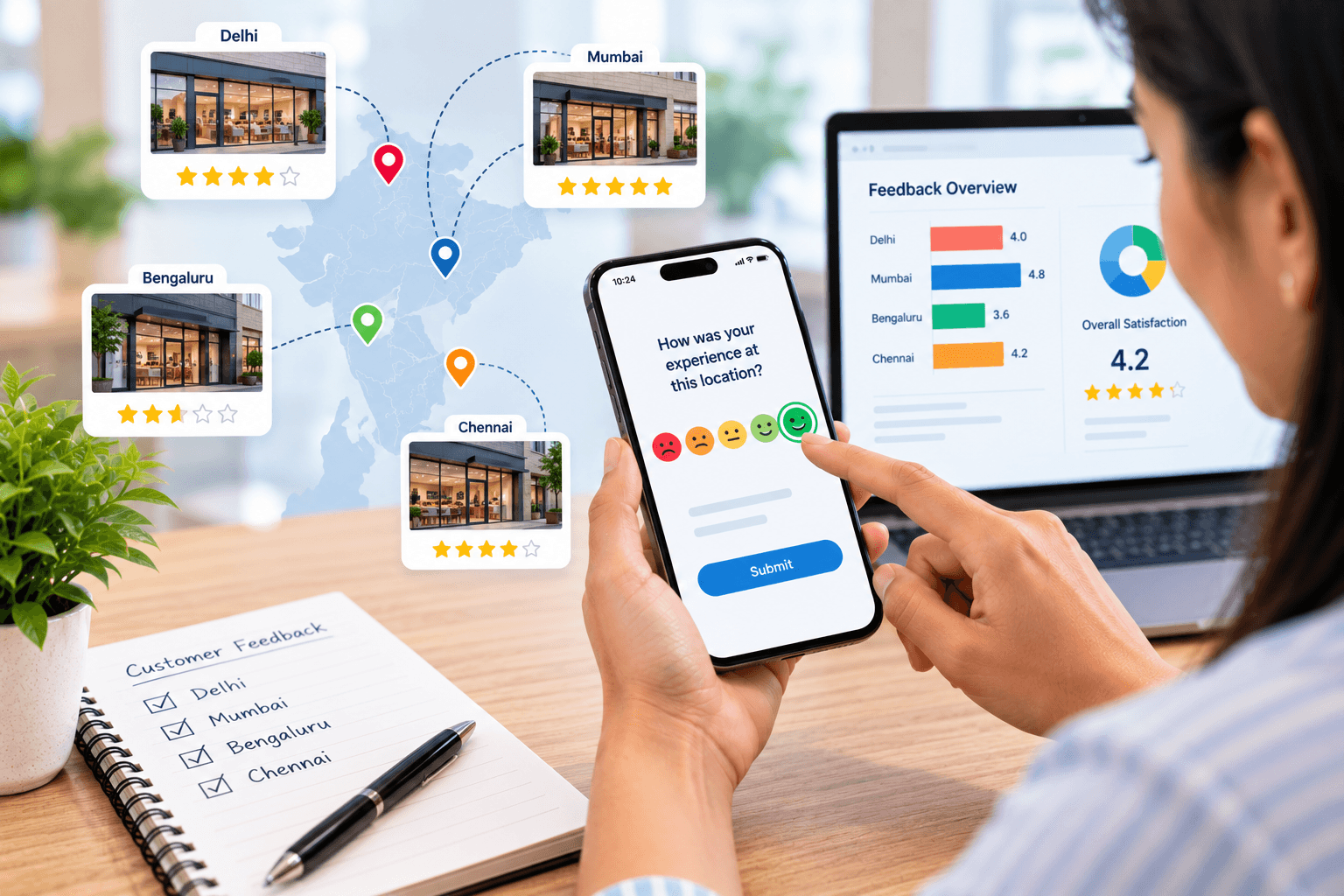
Each location can have its own QR code or feedback identifier while responses are brought into a centralized system.
This allows businesses to compare:
- Customer satisfaction by location
- Response rates
- Complaint categories
- Service performance
- Customer comments
- Recurring problems
For example, if one location consistently receives lower satisfaction scores, management can investigate the underlying reasons.
The objective is not to rank locations simply for the sake of ranking them.
The objective is to identify where customers are experiencing problems and determine what can be improved.
Close the Feedback Loop
One of the most important QR code feedback survey best practices is to ensure feedback leads to action.
The process should not end when the customer clicks “Submit.”
A stronger process is:
Scan → Survey → Analyze → Alert → Act → Resolve → Improve
If a customer reports a serious issue, the responsible team should know what to do next.
If multiple customers report the same problem, management should investigate the underlying cause.
If satisfaction improves after an operational change, the business should measure the impact.
This creates a continuous feedback loop.
Customers provide information.
Businesses listen.
Teams act.
Processes improve.
Common QR Code Feedback Survey Mistakes
While QR codes can make feedback collection easier, businesses should avoid several common mistakes.
Using a QR Code Without Context
A QR code with no explanation may be ignored.
Making the Survey Too Long
Long surveys increase customer effort.
Poor QR Code Placement
Customers need to be able to see and scan the code easily.
Ignoring Mobile Design
A survey that works on desktop but performs poorly on smartphones creates unnecessary friction.
Asking Irrelevant Questions
Customers should only be asked about experiences they actually had.
Collecting Feedback Without Acting
If feedback is collected but never reviewed, its business value decreases.
Creating Too Many Alerts
Sending notifications for every response can create alert fatigue.
The solution is to create clear rules around which feedback requires immediate attention.
How to Increase QR Code Survey Response Rates
If your goal is to get more customer responses, focus on reducing friction.
Here are the key practices:
- Keep the survey short.
Ask only essential questions.
- Use a clear call to action.
Tell customers what the QR code does.
- Make it mobile-friendly.
Optimize the entire survey for smartphones.
- Place it at the right touchpoint.
Ask for feedback when the experience is still fresh.
- Use relevant questions.
Match questions to the customer’s actual interaction.
- Use simple language.
Avoid unnecessary technical terms.
- Make optional questions optional.
Do not force customers to provide information they do not need to provide.
- Act on negative feedback.
Customers are more likely to see value in feedback when businesses use it to improve experiences.
How QR Code Feedback Fits Into a Customer Experience Strategy
QR code surveys should be viewed as one component of a broader customer feedback strategy.
A business may use QR codes to collect feedback from physical locations while using other channels for digital interactions.
The objective is to create a complete picture of the customer experience.
This connects QR code feedback with broader approaches such as Voice of Customer programs.
A Voice of Customer strategy brings customer opinions, expectations, needs, and pain points together so businesses can make better decisions.
For more information, see How to Build a Voice of Customer Strategy.
QR code feedback surveys can make customer feedback collection faster, easier, and more convenient.
But the QR code itself is not the strategy.
The real value comes from what happens around it.
Businesses need to choose the right feedback touchpoints, keep surveys short, use neutral questions, optimize the mobile experience, provide clear calls to action, and make it easy for customers to share their opinions.
Most importantly, businesses should connect feedback collection to action.
A simple process can be:
Scan → Respond → Analyze → Alert → Act → Improve
When customers can share feedback with minimal effort and businesses can respond to meaningful insights quickly, feedback becomes more than a survey response.
It becomes a tool for improving customer satisfaction and the overall customer experience.
The goal is not simply to get more survey responses.
The goal is to make it easier for customers to speak – and easier for businesses to listen and act.
Frequently Asked Questions
- What are QR code feedback surveys?
QR code feedback surveys are digital surveys that customers can access by scanning a QR code with a smartphone. They provide a convenient way to collect customer feedback at physical or digital touchpoints.
- How do QR code feedback surveys increase customer responses?
QR code surveys reduce the effort required to access a feedback form. Customers can scan the code and immediately open the survey, making the feedback process faster and more convenient.
- Where should businesses place QR codes for customer feedback?
QR codes can be placed on receipts, tables, counters, packaging, waiting areas, service desks, hotel rooms, checkout areas, invoices, and other relevant customer touchpoints.
- How long should a QR code feedback survey be?
A QR code feedback survey should be short and focused. Businesses should ask only the questions necessary to achieve their feedback objective and avoid unnecessary questions that increase customer effort.
- Should QR code feedback surveys be mobile-friendly?
Yes. Customers generally scan QR codes using smartphones, so the survey should be optimized for mobile devices with readable text, simple navigation, and easy-to-use response options.
- What questions should be included in a QR code feedback survey?
Questions should focus on the customer’s recent experience. Businesses can ask about satisfaction, service quality, ease of the experience, specific pain points, and suggestions for improvement.
- Can QR code surveys be used to measure CSAT?
Yes. QR code surveys can be used to collect CSAT responses immediately after a customer interaction. This allows businesses to measure satisfaction at specific customer journey touchpoints.
- How can businesses encourage customers to scan a feedback QR code?
Use a visible QR code with a clear call to action. Messages such as “Share your feedback in 30 seconds” or “Tell us about your experience” can explain the purpose and reduce uncertainty.
- Can QR code surveys collect negative customer feedback?
Yes. QR code surveys provide customers with an easy way to report both positive and negative experiences. Businesses can use negative responses to identify service problems and opportunities for improvement.
- Can QR code feedback surveys provide real-time insights?
Yes. When connected to an appropriate customer feedback platform, responses can be analyzed quickly. Businesses can also use alerts to identify important complaints or low satisfaction scores that require attention.
- How can businesses improve QR code survey response rates?
Businesses can improve response rates by keeping surveys short, placing QR codes at relevant touchpoints, using clear calls to action, optimizing the survey for mobile devices, and asking questions that are directly related to the customer’s experience.
- What is the best way to use QR code feedback?
The best approach is to connect QR code feedback to a complete feedback management process. Businesses should collect responses, analyze them, identify important issues, take action, and use the insights to continuously improve the customer experience.